Junk Removal Operations
Missed Call Text Back for Junk Removal: How to Set It Up
See how an automatic text back after a missed call keeps junk removal leads warm, with setup tips, timing and a simple checklist for your crew.
 JunkPilot3 min read

In this article
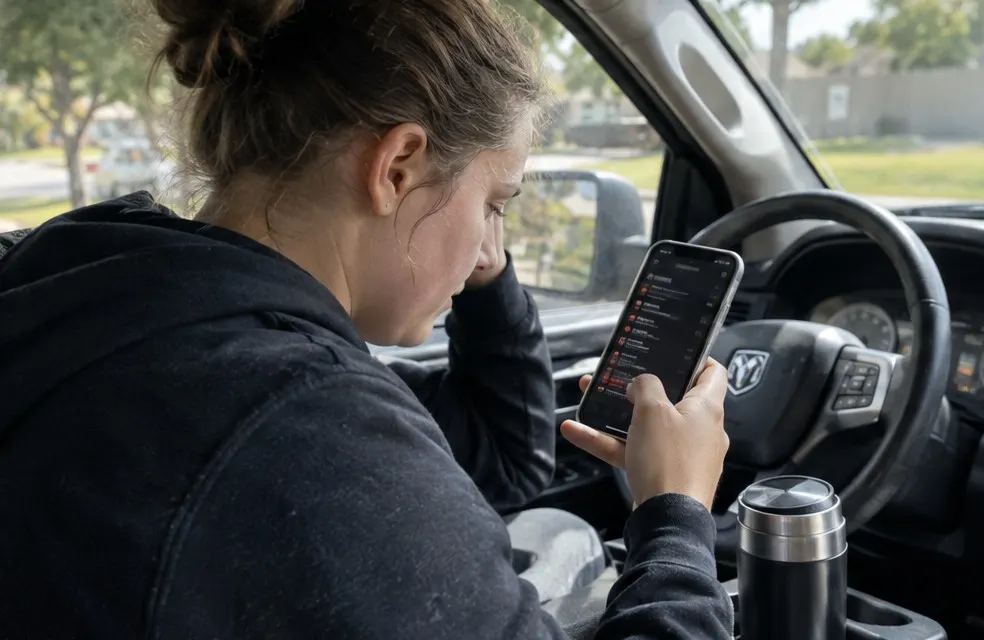
Your crew is loading a truck at a job site. Your phone rings. Nobody picks up. The caller moves on to the next company on their list before you finish the load. A missed call text back fixes that gap. When a call goes unanswered, an automatic text goes out within seconds, so the customer knows you saw their call and can help them next.
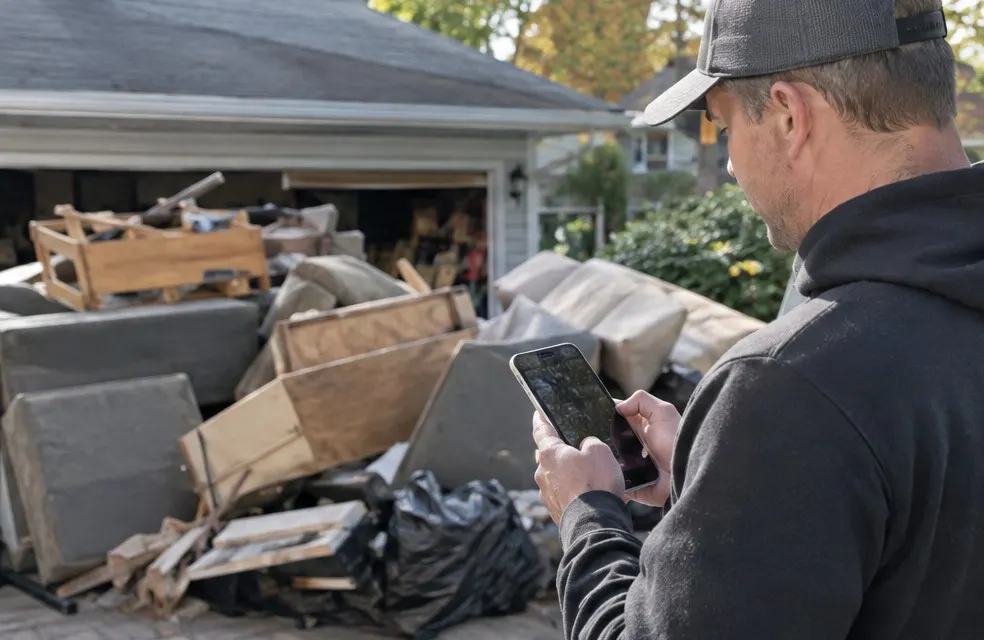
This matters in junk removal because most callers want a pickup soon. They have a garage full of old furniture, a pile of construction debris, or a fridge that needs to go this week. They are not waiting by the phone. They are sending the same message to several companies.
What happens when a call goes unanswered on a busy day?
On a heavy day, you may have two trucks out and one person in the office. Calls stack up. A caller who gets voicemail often hangs up and tries someone else. Many will not leave a message at all.
A text back changes that moment. The caller gets a reply that says you received their call and will follow up. It sounds simple, but it keeps your name in front of them while they are still deciding. It also gives you a reason to call back with a real answer instead of starting from zero.
How does a missed call text back work, step by step?
The setup is usually short. When a call goes to voicemail or rings out, the system sends a prewritten text from your business number. The text can ask what they need removed, where the pickup is, and whether they want a same-day or next-day window. Their reply lands in your messages, so you can pick it up between jobs.
If your software prices by the load, the text can also point the customer to your online estimate. That way they can see a starting price before you ever talk. For example, you can show your current pricing as it is set in your account: Junk pickup: $125 per ¼-truck loads from $175. Furniture removal: $45 per pieces from $120. Appliance removal: $55 per appliances from $95.
Will a text feel pushy to the people who call?
It does not have to. Keep the first text short and polite. Say who you are, that you missed their call, and when they can expect a real reply. Avoid sales language and long lists of offers. Most people appreciate a fast, plain answer more than a clever message.
Also check that your texts follow the rules that apply to you. Ask your software provider how opt-outs are handled, and make sure your team knows how to respond when someone replies stop or asks not to be contacted again.
What should you check before you turn it on?
Before you switch it on, make sure the basics are in place. A text back only helps if the follow-up is fast and the details are correct. Use this checklist:
- Confirm the business name and number that appear in the text are correct.
- Write a short first message that names the business and promises a reply within a set time you can keep.
- Decide who owns the replies during truck hours, and who checks messages at lunch.
- Link your online estimate so callers can see starting prices right away.
- Set up a same-day booking option for jobs that can go out that day.
- Test the flow by calling your own number from a second phone and checking the text.
- Review replies every evening for a week to spot questions your text did not answer.
Ready to see how many calls you are missing?
A missed call text back is one of the simplest ways to stop losing jobs you already had a chance at. It costs little to test, and you can see how it works in your own call log within a week. If you want to see how it would look for your pricing and your schedule, request an estimate with JunkPilot today and we will walk you through setup.